
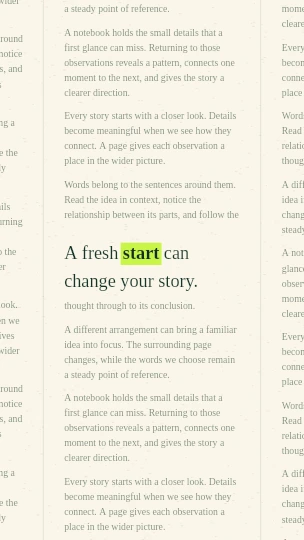
Vertical Hook
9:16 · 8 cuts/s · 4s
Create an editorial word anchor across changing, original newspaper-style layouts.
Free local tools · No account · No watermark
Updating preview…
1080p target · 30 fps · Checking export format…
Updating preview…
Edit your words or choose a look. The preview updates automatically.
Ready-made combinations of style, frame and rhythm. Your words stay by default.
9:16 · 8 cuts/s · 4s
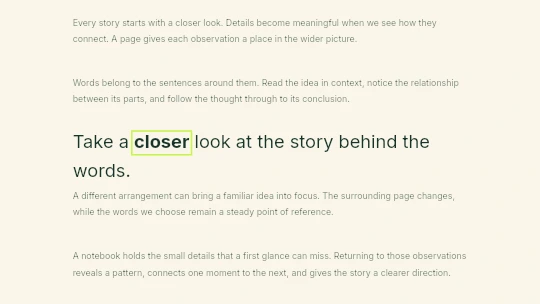
16:9 · 4 cuts/s · 4s
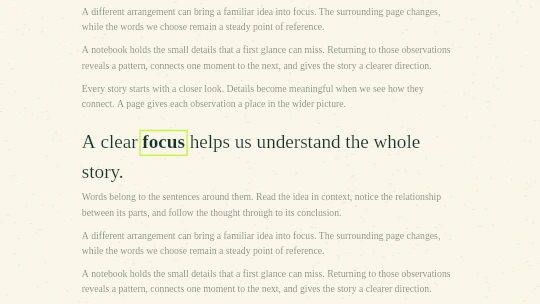
16:9 · 4 cuts/s · 5s
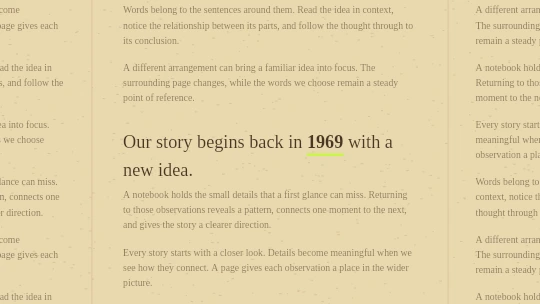
16:9 · 4 cuts/s · 5s
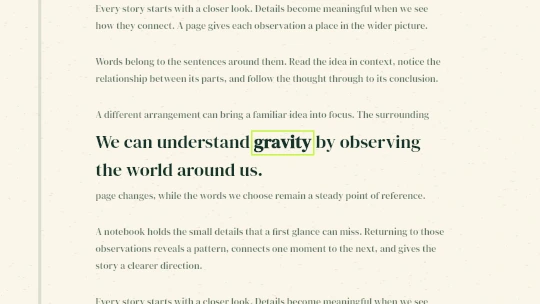
16:9 · 2 cuts/s · 5s
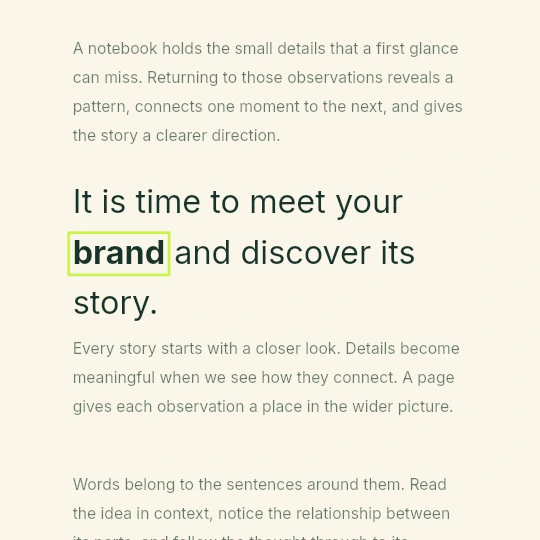
1:1 · 4 cuts/s · 4s
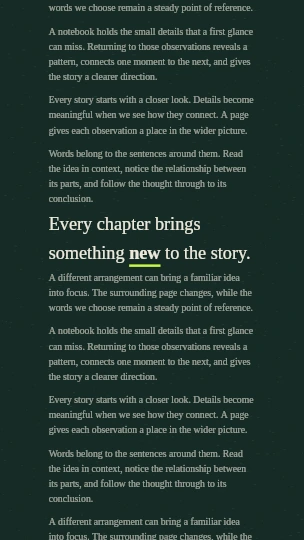
9:16 · 8 cuts/s · 4s
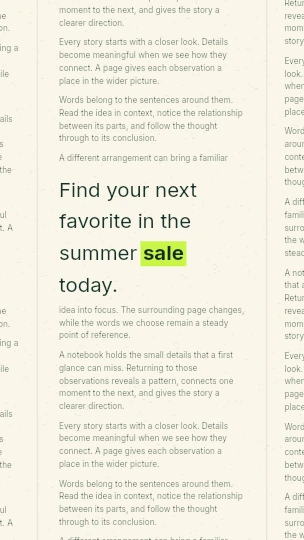
9:16 · 12 cuts/s · 3s
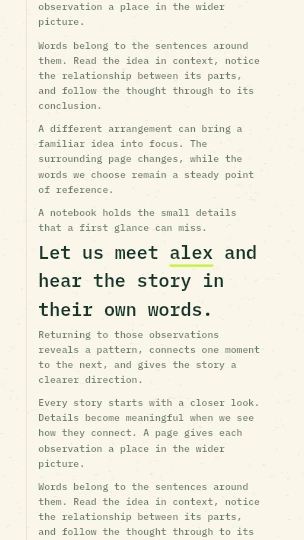
9:16 · 4 cuts/s · 4s
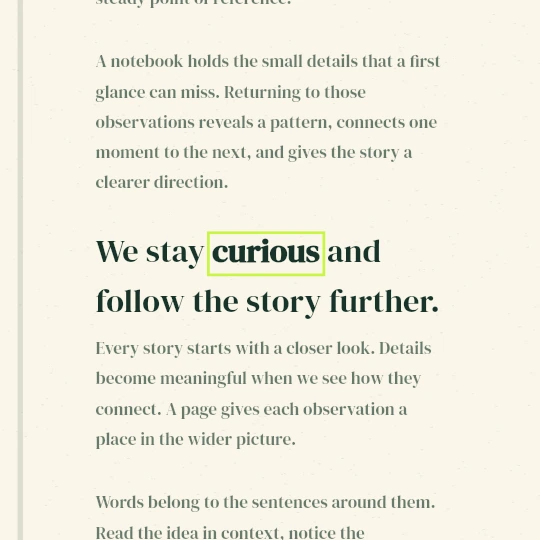
1:1 · 4 cuts/s · 5s
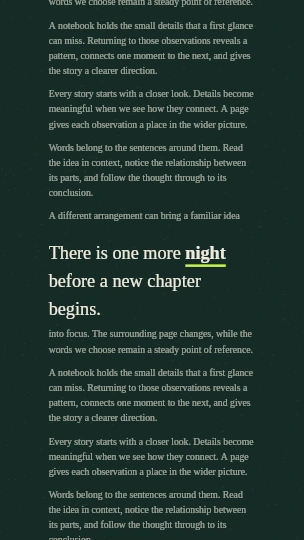
9:16 · 8 cuts/s · 4s
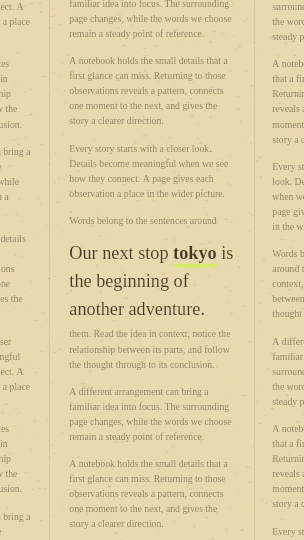
9:16 · 6 cuts/s · 5s
This page opens with the selected effect. Use the tool above and follow each step below; the generated paper layouts are simulated designs.
In Text & Templates, enter your sentence or short paragraph (up to 500 characters). Click one word under Text to highlight, or click the first and last word of a continuous phrase. Entire phrase selects the complete input.
Read Highlighted text to confirm the selection. Your complete sentence stays visible and wraps inside its article column.
Choose Visual style and select 9:16 for Shorts or Reels, 16:9 for landscape, 1:1 for square or 4:5 for a portrait feed. Every style keeps its own fonts, paper and layout. The preview updates automatically after a short pause.
For ready-made combinations, open Use a scene example below the tool and click Use this example. Your words stay by default. Tick Replace my words with the example text only if you want the sample wording too.
Choose None for silence, or Paper, Tick, Shutter or Soft Tick under Sound effect. Selecting an effect plays a short preview; Preview sound plays it again.
Open Advanced settings for volume, continuous rhythm preview, speed, duration and finer visual controls. The defaults are a good starting point. Audio downloads offers a single WAV hit or a matching rhythm.
Wait until Updating preview disappears, then press Play. Pause or drag Preview timeline to inspect the clip. New layout gives you another arrangement without changing your words.
Changes update the still preview automatically; playback starts only when you press Play. If Reduce motion is enabled, use the still preview and timeline. Advanced settings also contains Article zoom and the optional Bold keyword presentation.
Click Generate video. Keep the tab open while the button shows Generating. When it changes to Download MP4 or Download WEBM, click that same button to save the actual file.
Watch the saved file before using it. If generation fails, open Advanced settings, choose 720p under Quality and try again. The tool reports the actual format supported by your browser.
Import the downloaded video into your editing app and position it on the timeline. If you need separate sound, expand Audio downloads and choose Download matching WAV, or use the dedicated Sound Effects tab.
This is a rendered video, not an editable text project. To change words, return here, wait for the automatic preview and generate again. Free paper templates need no account or credits.
Type your phrase, click its anchor word and choose Classic Newspaper. Wait for the automatic preview, then Play. The renderer keeps that word fixed while it changes the surrounding simulated page layouts.
No. This effect builds original newspaper-style layouts around your text. To use genuine articles, open Screenshot mode, upload your own screenshots and confirm the word box on each image.
Open Advanced settings and edit Surrounding text (optional). Type or paste up to 3,200 characters in total, including complete paragraphs. There is no per-paragraph limit. The counter shows how much space remains, and the preview updates automatically.
Try a shorter phrase and 2–4 cuts per second. Increase Text size or use a stronger Highlight in Advanced settings; reduce background blur or texture if they obscure the word. Wait for the automatic preview before judging the change.
Choose Paper under Sound effect, lower Volume and click Preview rhythm. Export the clip; if its file has no embedded audio, download the matching WAV and align both starts in your editor.
Yes. The newspaper layouts, animation and export are free local tools. Credits are needed only if you choose to generate optional AI background images.